
Official APK
Download Master Games APK (Latest Version)
This is the only official download for Master Games. The app is not on Google Play. Check the version and SHA-256 below against the file you receive — the numbers update with every release.

App information
Every release is signed with the same Master Games key and published here first. To check a file, compare its SHA-256 with the value below using any checksum app — if the two do not match, delete the file and download it again from this page. The file size and update date change with every version, so bookmark this page rather than a copy of the APK.
| Version | 1.0 |
|---|---|
| File size | 92 MB |
| Updated | 29 Jun 2026 |
| Requires | Android 5.0 or newer |
| SHA-256 | a51611c69c042f96cfd6a8d4b67ca2d2d057773c51565342d17fc3adb5f6b3be |
| Developer | Master Games Technologies Private Limited |

On a computer?
Scan with your Android phone to open this page and download directly.
Inside the app
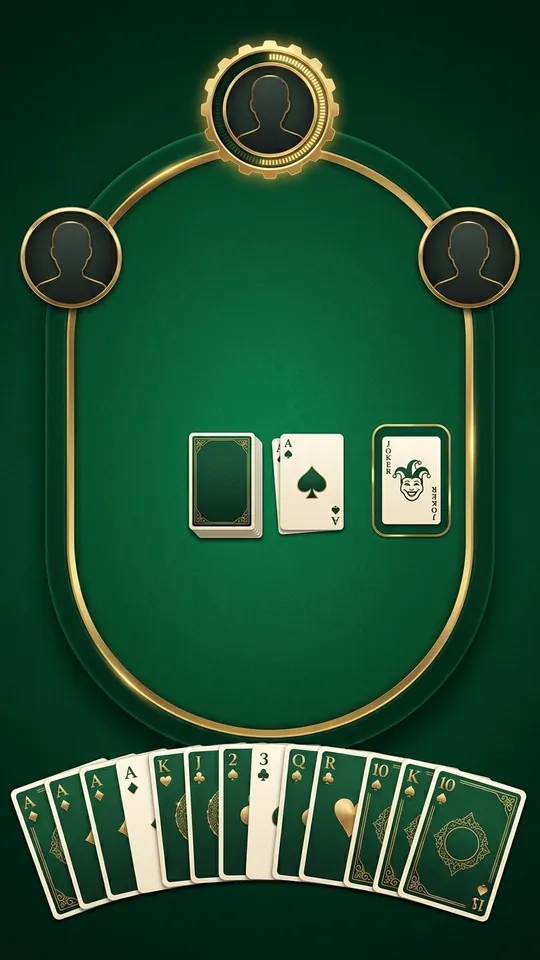
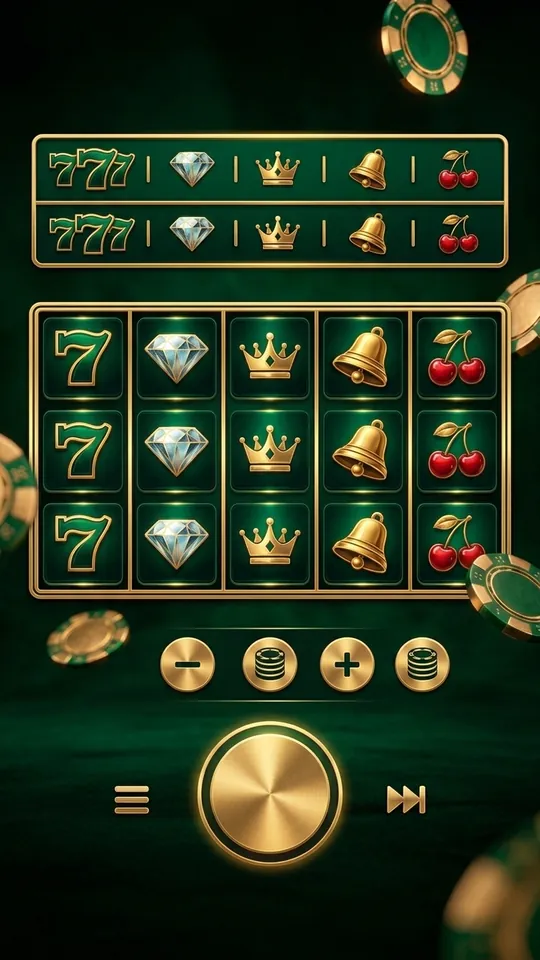
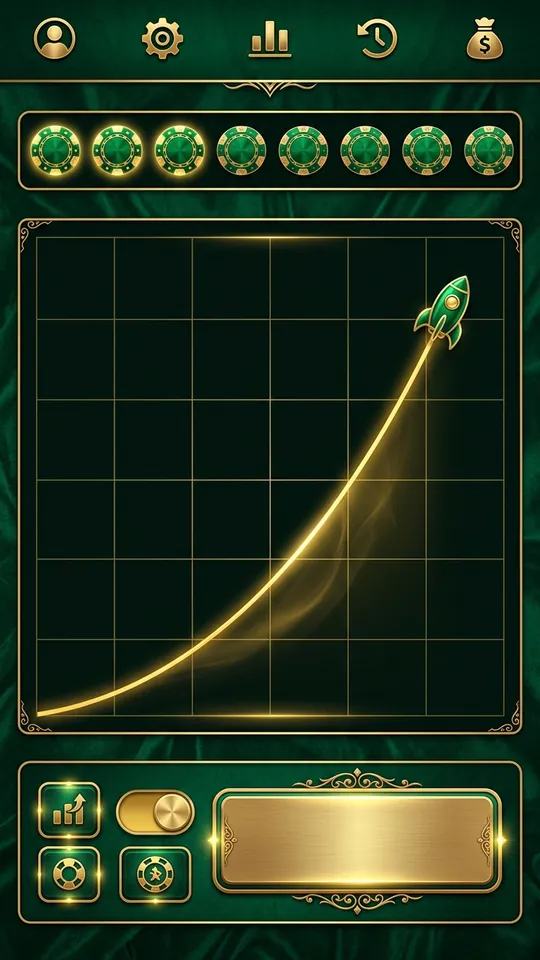
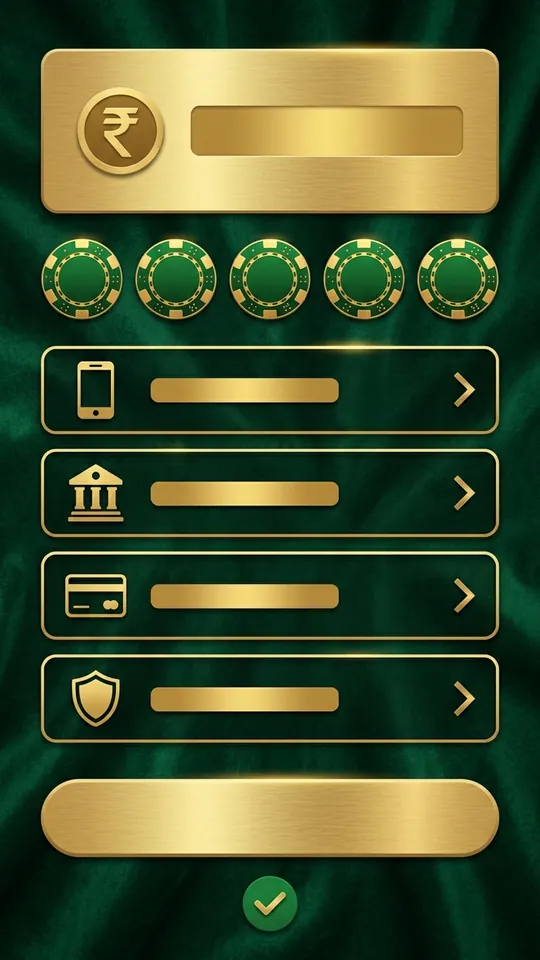
Before you install
- Source. Download only from this page or a Download button on mastergames.com. Files shared in WhatsApp or Telegram groups or on APK mirror sites may be modified builds that steal OTPs.
- Checksum. Open the file in a checksum app and compare the SHA-256 with the table above. One different character means a different file.
- Storage and Android version. Keep at least 200 MB free and make sure the phone runs Android 5.0 or newer. Older phones can download the file but will not install it.
- Permissions. The app asks only for storage (to save game history) and notifications. It never needs your contacts, SMS or call log; a build that asks for them is not ours.
How to install Master Games on Android
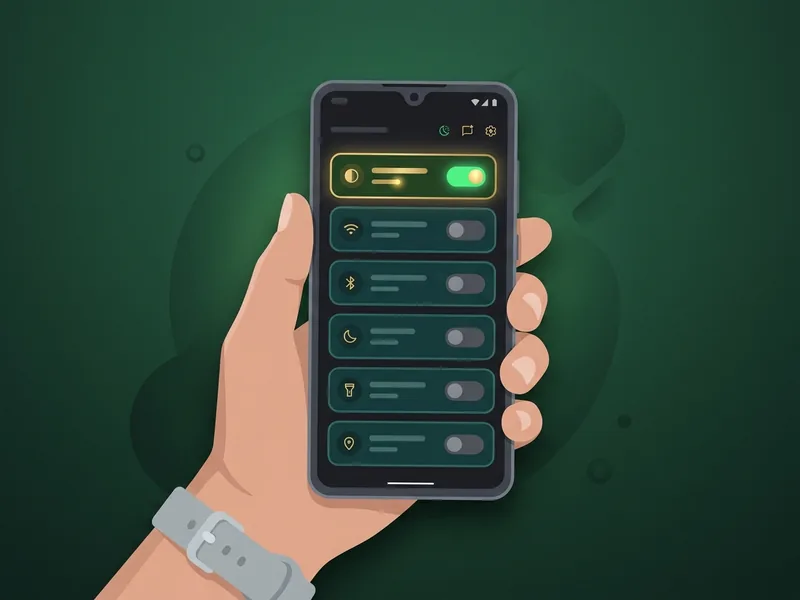
Allow installs from your browser
Tap the downloaded file. When Android says the install is blocked, tap Settings and turn on "Allow from this source". You only do this once.
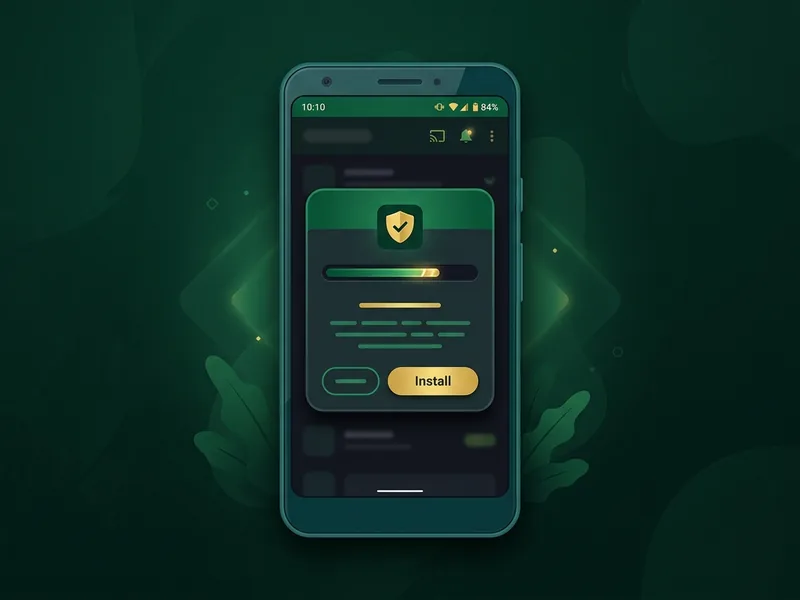
Install
Go back and tap Install. If Play Protect shows a warning, choose More details › Install anyway — it flags every app that is not from Google Play.
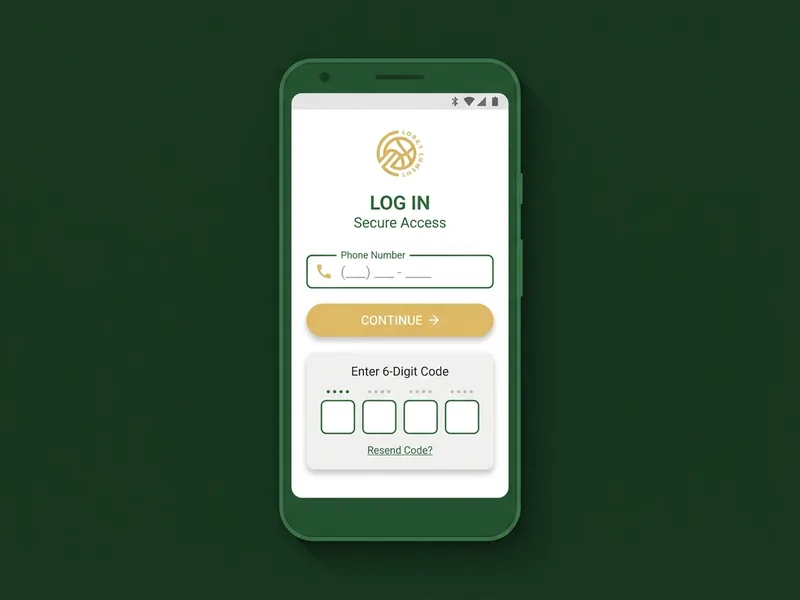
Open and log in
Open Master Games, enter your mobile number and the OTP from the SMS. New here? Tap Register on the same screen — it takes about a minute.
What's new
- Version 1.0 (build 13035)
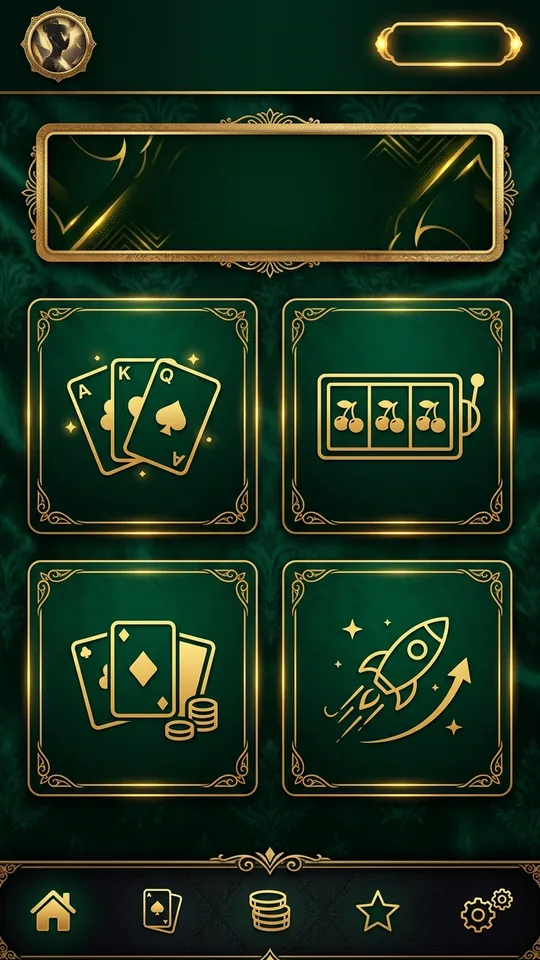
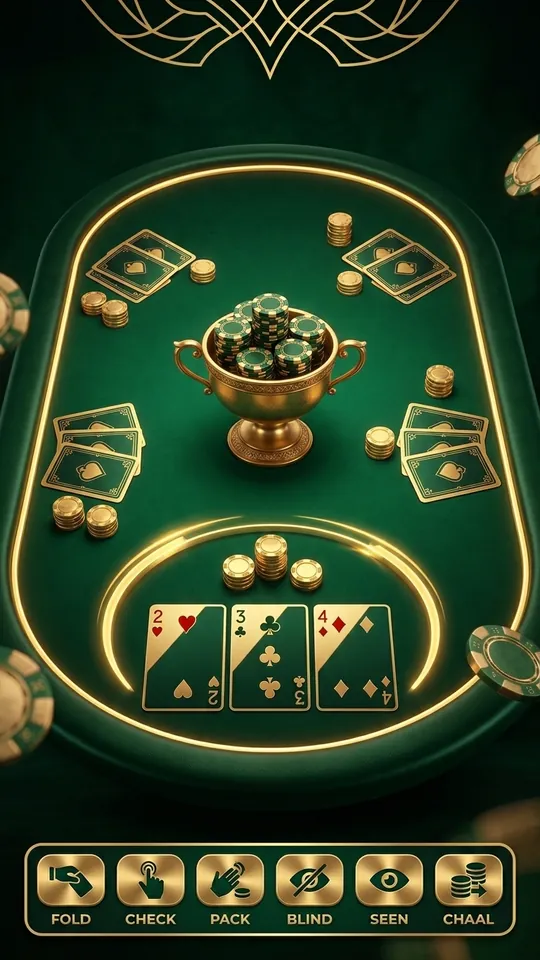
Current release: Master Rummy, Master TeenPatti, Master Slots and Master Crash with UPI payments.
Install problems
"App not installed" error
Usually an older Master Games build is still on the phone or storage is full. Uninstall the old version, free at least 200 MB, and install again.
Play Protect blocked the install
Tap More details › Install anyway. Play Protect flags every app that is not from Google Play. Only do this for the APK you downloaded from mastergames.com, and compare the SHA-256 shown above if in doubt.
"There was a problem parsing the package"
The download was interrupted or your Android version is older than 5.0. Check the file size matches the one listed above and download again on a stable connection.
The download stops midway
Switch from mobile data to Wi-Fi or retry in the browser's download manager. The file is 48.6 MB; do not download it from any other site.
Still stuck? Contact Master Games support.